

Key takeaways
- Spreadsheets are excellent for initial brainstorming but become unmanageable when tracking RSVPs and meal preferences.
- Version control issues in shared spreadsheets often lead to lost data and double bookings.
- Laylaty provides a single source of truth for guest data with automated updates.
- You can start with the Free plan for up to 40 guests and upgrade only when your list grows.
- Honest limitations exist for both methods. Event software requires a brief learning curve while spreadsheets require constant manual upkeep.
The Allure of the Wedding Spreadsheet
When you first start planning a wedding, the instinct is to open a new spreadsheet. It feels comfortable. You create columns for names, addresses, and RSVPs. In those early days, this method works well. You are simply brainstorming who might make the list and calculating potential costs.
For a small event with a handful of guests, a spreadsheet might be all you ever need. It provides a simple way to list names and tick boxes. The appeal of a grid where you control every pixel is undeniable for early stage planning.
Why We Start with Excel
The main reason couples start with Excel or Google Sheets is accessibility. Most people already know how to use these tools from their daily jobs. There is no new interface to learn and no account to set up specifically for the wedding. You just open the app and start typing.
Furthermore, a spreadsheet feels incredibly flexible. If you want to track which guests are invited to the rehearsal dinner, you just add another column. If you need to note who has allergies, that is another column. It feels like a robust system at the very beginning of the planning process. Many couples find comfort in seeing a neatly organized grid of their closest friends and family members.
When Spreadsheets Start to Break
The honeymoon phase with your spreadsheet usually ends around the time you send out invitations. This is when the static list needs to become a dynamic tracking system, and spreadsheets are fundamentally static tools. The manual work begins to pile up, taking focus away from the more enjoyable aspects of wedding planning.
Version Control Chaos
If you are sharing the planning duties with a partner or family members, you will likely share the spreadsheet. This introduces the risk of version control issues. Even with cloud based spreadsheets, accidental deletions happen. Someone might sort a single column instead of the entire sheet, mismatching all the names with the wrong addresses and RSVP statuses. Restoring a previous version is possible but often results in losing recent updates.
Consider a real scenario. Your mother adds five family friends to the list on Tuesday. On Wednesday, you delete a duplicate entry, accidentally shifting the meal choices for twenty guests. Finding and fixing this error takes hours of cross referencing text messages and emails. This kind of manual error is extremely common and causes unnecessary friction between family members trying to help.
The RSVP Copy-Paste Nightmare
When RSVPs start rolling in, the manual labor begins. Guests text you, call you, or send back physical cards. You have to open the spreadsheet, find their name, and manually update their status. If they write in a dietary requirement, you add a note.
This manual entry is prone to human error. You might mark the wrong person as attending or forget to log an allergy. As the event gets closer, you will find yourself constantly checking and rechecking the spreadsheet to ensure the caterer gets accurate numbers. The mental load of remembering to update a spreadsheet every time your phone rings is exhausting. Managing dietary restrictions and plus-ones adds layers of complexity that standard spreadsheet functions simply cannot handle elegantly.
How Laylaty Replaces the Spreadsheet
Laylaty is designed to handle the dynamic nature of event planning. It replaces the manual updating of a spreadsheet with an automated system built specifically for guest management, freeing you from endless data entry.
Real-Time Guest Tracking
Instead of rows and columns, Laylaty gives you a clear dashboard showing exactly who is invited, who has responded, and who is still pending. The interface is built to prevent the accidental sorting errors that plague spreadsheets. Each guest has a dedicated profile where all their information is stored safely. You can search for a guest by name and instantly see their RSVP status, contact information, and meal preferences in one unified view.
Automated RSVP Updates
When you use Laylaty, guests submit their RSVPs through a secure portal. The system automatically updates their status on your dashboard. There is no manual data entry required on your part. If a guest selects a vegetarian meal, that information goes straight into your final catering report. This automation saves countless hours and drastically reduces the chance of errors. You can sit back and watch the dashboard update itself as responses arrive.
Managing Plus-Ones and Dietary Requirements
Spreadsheets struggle with grouped data. Tracking a primary guest along with an unknown plus one and their respective meal choices requires complex formatting. Laylaty handles groups natively. You can give a guest a plus one, and they can enter their partner's name and meal choice when they RSVP. The system keeps them linked together while tracking their individual requirements perfectly.
Collaborative Planning Without the Chaos
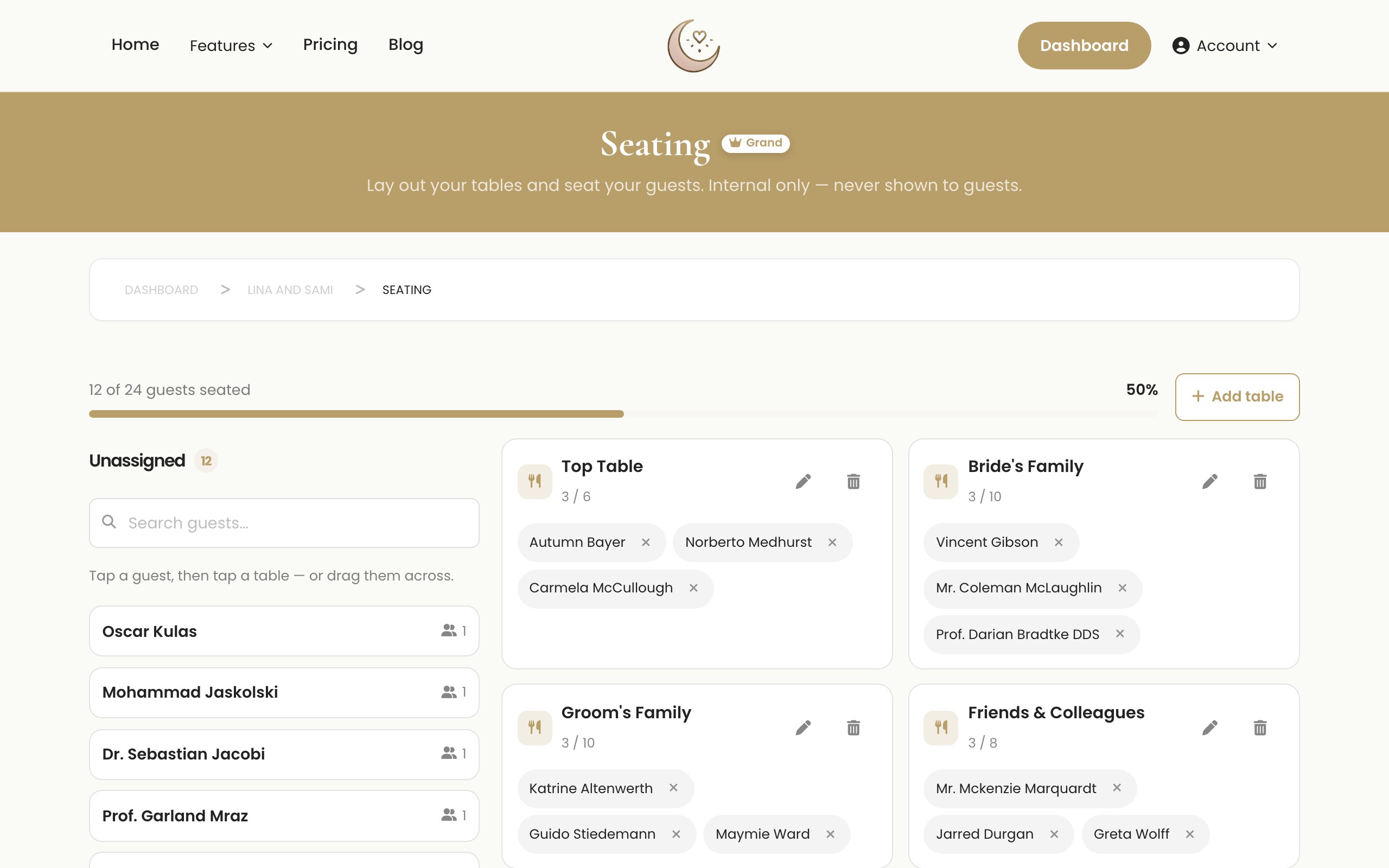
Unlike shared spreadsheets where one wrong click can scramble your data, Laylaty offers structured collaboration. You can safely invite co-hosts to view the dashboard and assist with guest management. The system logs who made which updates, ensuring full accountability. This structure eliminates the stress of version control and prevents accidental data deletion, allowing multiple people to contribute to the planning process harmoniously.
Honest Limitations of Event Software
While Laylaty solves the problems of manual spreadsheets, it is important to understand its limitations before making the switch.
First, there is a learning curve. While we build Laylaty to be intuitive, it is still a new platform to learn. You will need to spend a few minutes setting up your event and familiarizing yourself with the dashboard. Spreadsheets are familiar territory for most office workers, whereas our software requires a brief period of orientation.
Second, our storage space is strictly finite. Depending on your plan, you have a specific limit on the digital assets you can upload. The Free plan includes 0 MB of storage, while the Essential plan provides 1 GB. If you plan to host thousands of high resolution photos, you will need a higher tier or a dedicated photo sharing service. We never offer infinite capacity because it compromises platform stability.
Finally, Laylaty requires guests to be somewhat comfortable with digital tools. While the vast majority of people can easily click an online RSVP link, you might still need to manually enter the responses for elderly relatives who prefer to call you on the phone. Additionally, we focus entirely on event management and do not include a gift registry feature.
Cost Comparison
Comparing the cost of a spreadsheet to Laylaty requires looking at both money and time.
The Price of Free
Google Sheets is free in terms of money. However, the time you spend building templates, fixing errors, and manually entering data is significant. Your time has value, especially in the busy months leading up to a wedding. Hours spent formatting cells are hours you could spend enjoying the planning process.
Laylaty Pricing Plans
Laylaty offers flat per-event pricing, meaning you pay once for the event rather than an ongoing monthly subscription.
- Free Plan: €0. Supports up to 40 guests, 40 invitations, and 50 wishes. It includes 0 MB of storage and no custom event website. This is perfect for intimate gatherings and allows you to test the platform.
- Essential Plan: €19 per event (one-time). Supports 150 guests, 150 invitations, and 150 wishes. It includes 1 GB (1,024 MB) of finite storage and an Event Website.
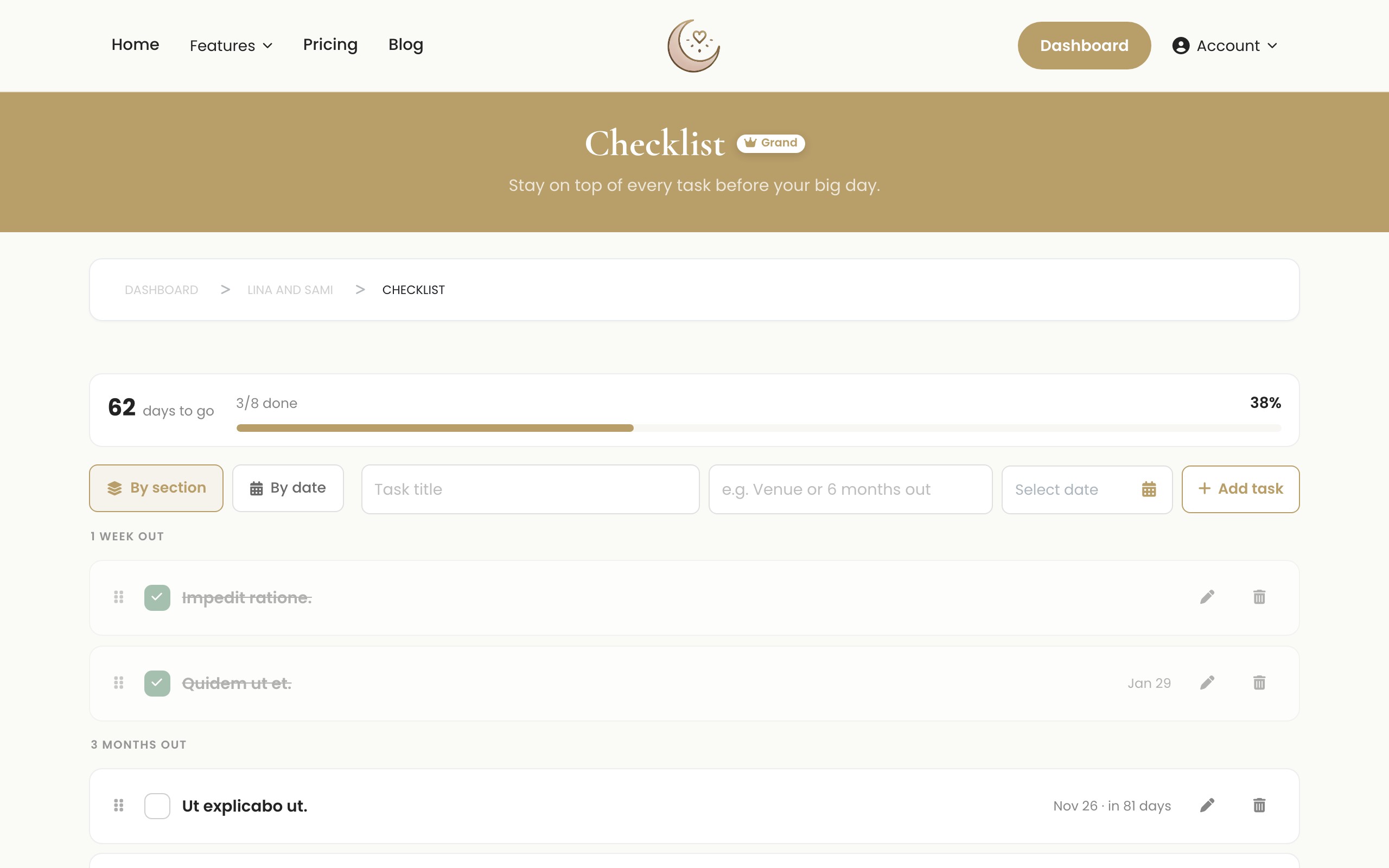
- Celebration Plan: €49 per event (one-time). Supports up to 400 guests, 400 invitations, and unlimited wishes. It includes 5 GB (5,120 MB) of finite storage, an Event Website, Seating, Run sheet, and Checklist.
- Grand Plan: €99 per event (one-time). Supports unlimited guests, unlimited invitations, and unlimited wishes. It includes 20 GB (20,480 MB) of finite storage and an Event Website.
You can also purchase top-ups for extra guests (50 for €9, 100 for €15), extra storage (10GB for €12, 25GB for €25), and add the AI card feature to any plan for an additional €9. This provides a smart way to manage queries from guests automatically. All accounts use secure passwordless login via magic link or social sign on for simplicity.
Feature Breakdown: Excel vs Laylaty
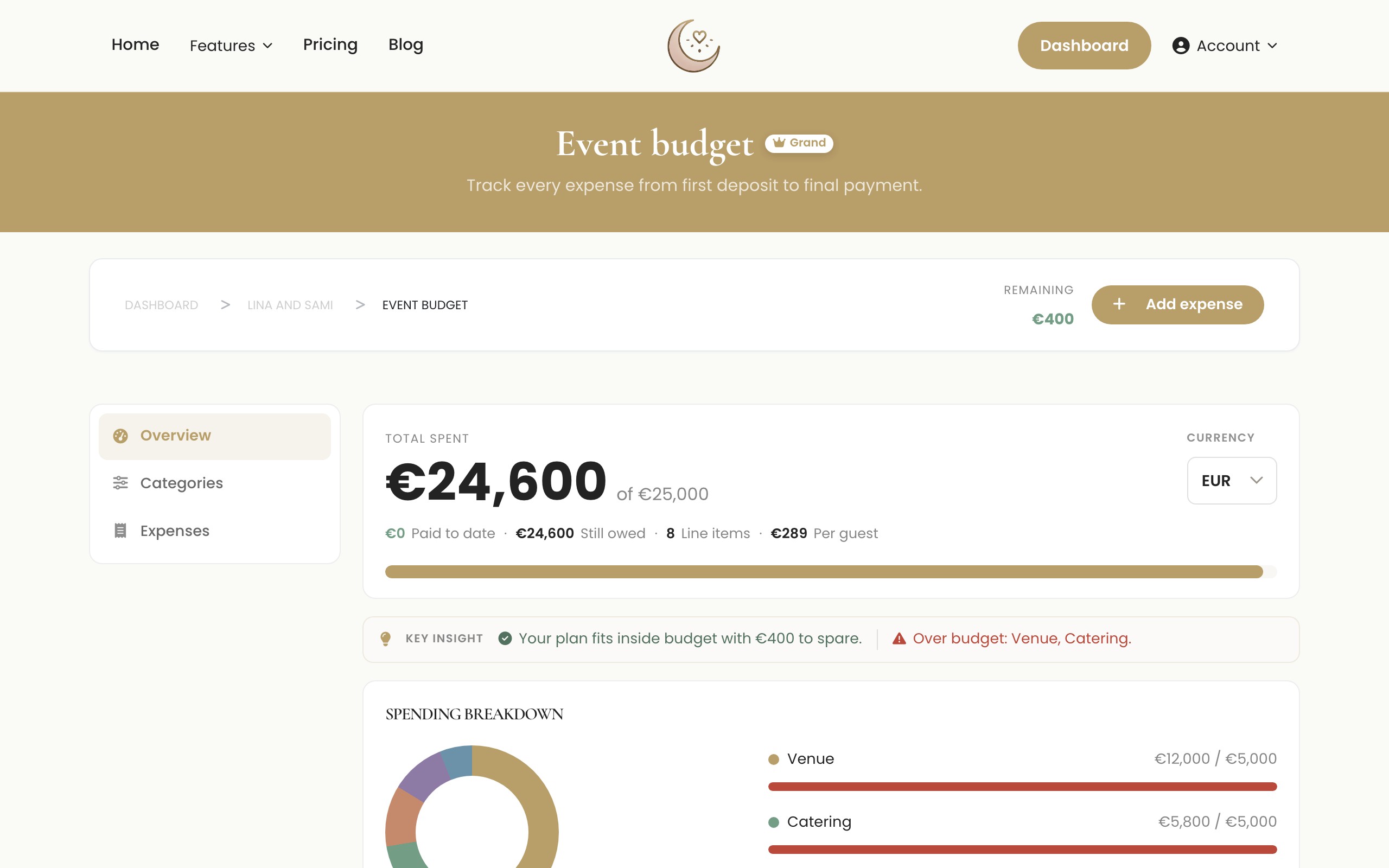
| Feature | Excel / Google Sheets | Laylaty |
|---|---|---|
| Initial Cost | Free | Free tier available, paid plans from €19 |
| Setup Time | Varies (requires building) | Minutes (ready to use) |
| RSVP Collection | Manual entry required | Automated |
| Plus One Tracking | Clunky and complex | Native and simple |
| Mobile Access | Difficult to read and edit | Fully optimized for mobile |
| Event Website | Not included | Included in Essential plan and above |
| Automated Reminders | Not possible | Built-in |
| Secure Login | Manual setups | Magic links and social |
Frequently Asked Questions
Can I export my data from Laylaty to a spreadsheet later?
Yes. You can export your guest list and catering reports as CSV files at any time. This is useful for sharing final numbers with vendors who prefer spreadsheets for their own logistics.
Is it difficult to switch from Excel to Laylaty midway through planning?
Not at all. You can import your existing guest list into Laylaty using a simple CSV upload. We recommend doing this before you send out your official invitations so you can take advantage of the automated RSVP tracking.
What happens if I exceed my plan's guest limit?
You will be prompted to upgrade to the next tier or purchase a top-up. You can add 50 guests for €9 or 100 guests for €15.
Can I use Laylaty alongside my spreadsheet?
You can, but we strongly advise against it. Maintaining two separate sources of truth usually leads to data mismatch and confusion. We recommend choosing one system and sticking to it.
What Next?
Ready to move away from spreadsheet stress? Start managing your guest list the modern way.
- Create your account: Sign up for Laylaty using a magic link and try the Free plan for up to 40 guests.
- Import your list: Bring your existing spreadsheet data into our secure dashboard.
- Upgrade when ready: Choose the Essential, Celebration, or Grand plan as your guest list grows.