

Key takeaways
- WhatsApp groups are quick to set up but quickly become noisy and disorganized.
- Important details get lost in long chat threads, requiring constant repeating of information.
- Private guest links offer a clean, personalized experience that protects guest privacy.
- Automated tracking replaces the need to manually read and record text message responses.
- Both tools have their place, but formal events benefit heavily from dedicated software.
The Popularity of WhatsApp for Events
It is incredibly common to start planning an event by creating a WhatsApp group. Almost everyone has the app installed on their phone. When you want to gather friends for a birthday dinner or a casual weekend trip, sending a quick group message is the most efficient method available.
WhatsApp offers instant communication. You can drop a message, see who has read it, and collect replies within minutes. For small, informal gatherings, this level of immediacy is exactly what you need. The barrier to entry is completely removed since no one needs to sign up for a new service or check their email.
#
Why We Default to Chat Apps
The primary reason we lean on WhatsApp is habit. We use it to talk to our families, organize work projects, and chat with friends. When a new event pops up on the calendar, creating a new group feels like the natural next step.
Additionally, WhatsApp provides a sense of community before the event even begins. Guests can chat with each other, share excitement, and coordinate travel plans together. This social aspect is a strong draw for many hosts who want to build anticipation for their celebration.
Where WhatsApp Groups Fall Short
While chat apps excel at casual communication, they fall apart when you need structured data. Planning a wedding or a large formal event requires precision, and a busy chat thread is the exact opposite of precise. Managing large groups through a single chat stream quickly becomes unmanageable and stressful for the host.
The Problem of Noise
A WhatsApp group with fifty people is inherently noisy. Every time someone replies "Yes, I am coming" or asks a question, fifty phones buzz. Important announcements from the host get buried under a mountain of replies and side conversations.
If you post the address and start time on Monday, you can guarantee that by Friday, at least three people will ask for the details again because they do not want to scroll up. You become a full time chat moderator, constantly repeating the same information to different people.
Tracking Responses Manually
The biggest drawback of using WhatsApp for RSVPs is the lack of automated tracking. When someone says they are attending, you still have to manually record that information somewhere else. If a guest mentions they are bringing a vegetarian partner, you have to note that down manually too.
This process is highly susceptible to error. It is very easy to miss a message in a fast moving group chat. You might accidentally count someone twice or forget to note their dietary requirement entirely. For an event caterer who needs exact numbers, this level of disorganization is highly stressful and can lead to costly mistakes.
Privacy Concerns
In a WhatsApp group, everyone's phone number is visible to everyone else. For a wedding where you are mixing different friend groups, family members, and colleagues, this can be a significant privacy issue. Not everyone wants their personal contact information shared with fifty strangers.
Furthermore, RSVPs are often a private matter. A guest might need to decline due to financial constraints or a personal conflict. Having to decline publicly in a group chat is uncomfortable, leading many people to simply ignore the invitation or message the host privately, which further fractures your tracking system.
The Superiority of Private Guest Links
Laylaty approaches invitations differently by using private guest links. Instead of throwing everyone into a single chat room, each guest receives a unique, secure link to their own RSVP portal, allowing for a structured and secure data collection process.
A Personalized Experience
When a guest clicks their private link, they are greeted by name. They see the details of the event clearly presented on a beautiful webpage. They can view the schedule, read the FAQ, and find venue directions without scrolling through hundreds of chat messages.
This private environment allows them to RSVP comfortably. They can indicate their attendance, choose their meal, and list any dietary requirements in a structured form. The experience feels premium and respectful of their time.
Automated Data Collection
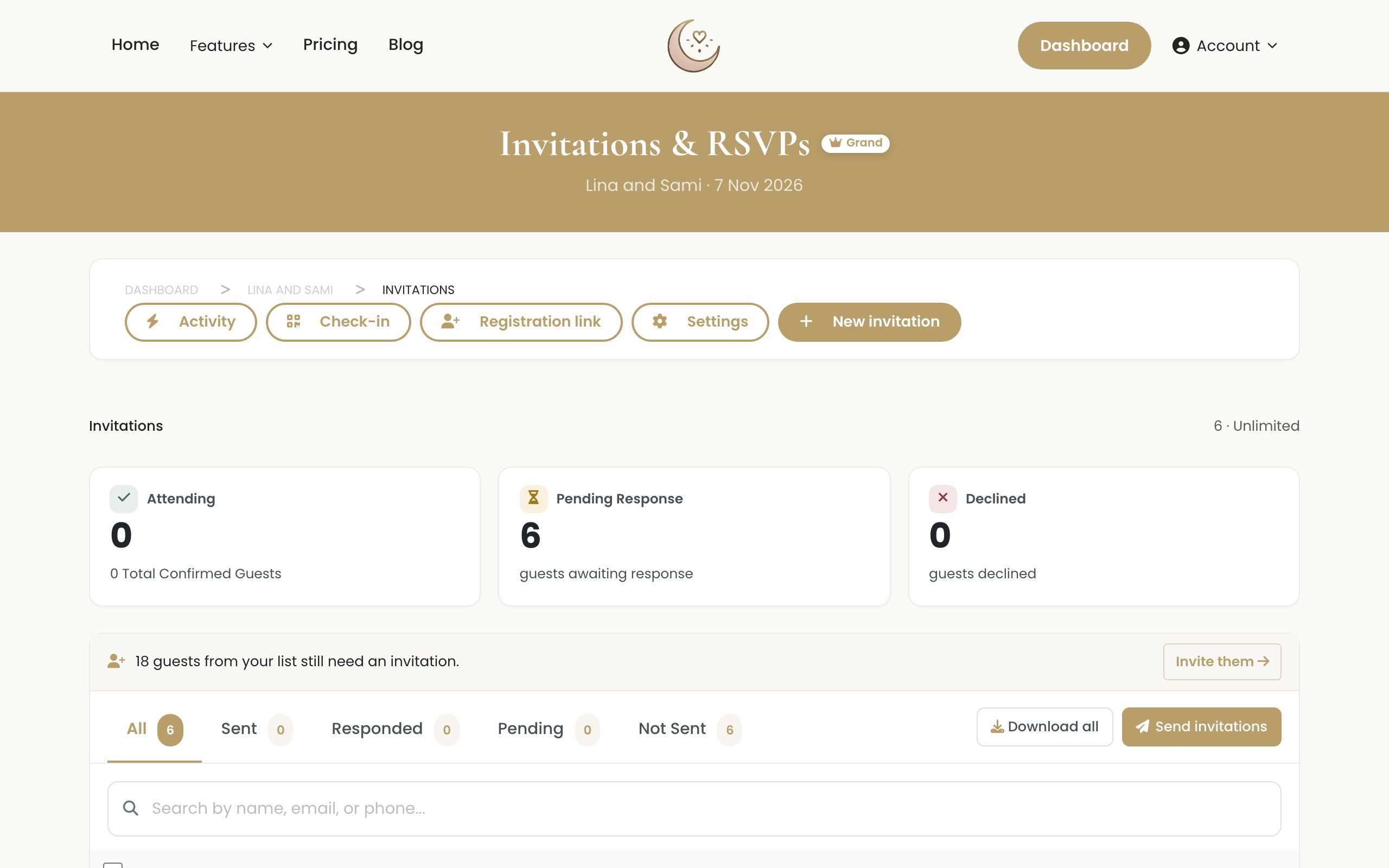
The true power of private links lies in the backend automation. When a guest submits their form, Laylaty instantly updates your host dashboard. You do not have to read a text message and update a separate spreadsheet.
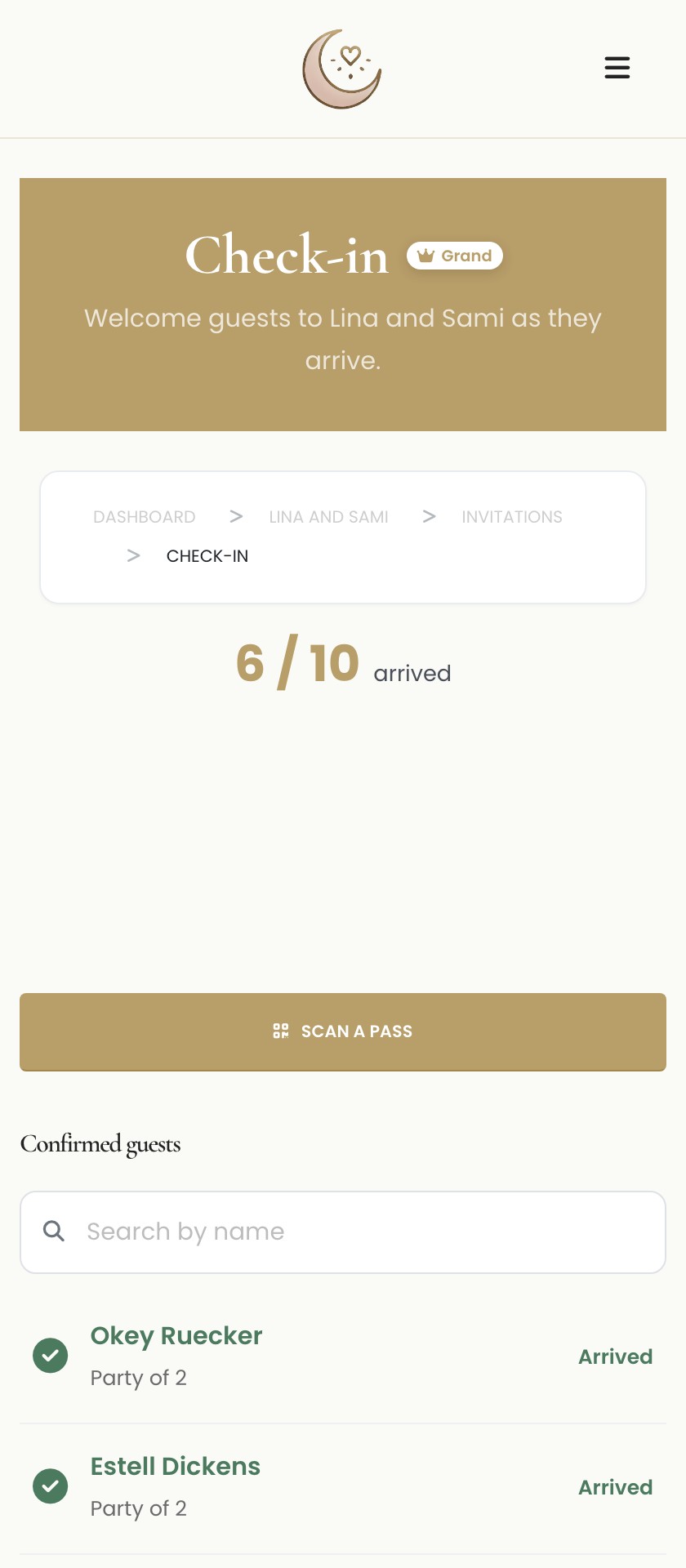
Your catering report automatically tallies the number of chicken, beef, and vegetarian meals requested. You can see at a glance exactly who has responded and who still needs a reminder, all without checking a chat log.
Protecting Guest Information
Private links completely solve the privacy issue. Guests never see each other's contact information. They communicate directly with the automated system. This ensures a secure and comfortable experience for everyone on your list, regardless of how well they know the other attendees.
Honest Limitations of Private Links
While private links are superior for structured event planning, they do have a few honest limitations compared to WhatsApp.
First, they require an internet browser to load. While this is rarely an issue on modern smartphones, a guest in an area with very poor reception might find a simple text message easier to send.
Second, private links lack the immediate communal feel of a group chat. If you want your guests to mingle digitally before the event, Laylaty's private portal does not facilitate that. Guests cannot see who else is attending unless you explicitly share that information.
Finally, managing these links requires a platform like Laylaty. While we offer a Free plan for up to 40 guests, larger events will require a paid tier. Furthermore, Laylaty focuses exclusively on event management, meaning we do not offer gift registry features within these links.
Understanding the Costs
Moving from a free chat app to dedicated event software involves a financial consideration. Laylaty uses a flat per-event fee structure, meaning you pay once and never worry about monthly subscriptions.
- Free Plan: €0. Handles up to 40 guests, 40 invitations, and 50 wishes. It includes 0 MB of storage and no custom event website.
- Essential Plan: €19 per event (one-time). Manages 150 guests, 150 invitations, 150 wishes, includes 1 GB (1,024 MB) of finite storage, and provides an Event Website.
- Celebration Plan: €49 per event (one-time). Capacity for 400 guests, 400 invitations, unlimited wishes, 5 GB (5,120 MB) of finite storage, and includes Seating, Run sheet, and Checklist.
- Grand Plan: €99 per event (one-time). Covers unlimited guests, unlimited invitations, unlimited wishes, and 20 GB (20,480 MB) of finite storage with an Event Website.
You can also opt for the AI card add-on for €9, which helps answer basic guest queries automatically, further reducing your workload. Additional guests can be added via top-ups (50 for €9, 100 for €15), and extra finite storage can be purchased (10GB for €12, 25GB for €25). Account creation uses secure passwordless magic links or social logins.
Comparing the Approaches
| Feature | WhatsApp Groups | Laylaty Private Links |
|---|---|---|
| Setup Speed | Instant | A few minutes |
| Guest Privacy | Poor (all numbers visible) | Excellent (completely private) |
| RSVP Tracking | Manual and prone to error | Fully automated |
| Information Retrieval | Difficult (requires scrolling) | Easy (clear dashboard) |
| Meal Preferences | Messy to collect | Structured and categorized |
| Communal Chat | High | None |
Frequently Asked Questions
Can I send the private Laylaty links via WhatsApp?
Yes. You can generate the private link in Laylaty and paste it into a direct WhatsApp message to your guest. This combines the convenience of WhatsApp delivery with the structure of our RSVP system.
Do guests need to download an app to use the private link?
No. The private link opens directly in their smartphone's standard web browser. There are no apps to install and no complex passwords for them to create.
What happens if a guest loses their link?
You can easily resend their unique link directly from your Laylaty dashboard with a single click.
Is it possible to have a public RSVP link instead of private ones?
Laylaty focuses on private, personalized links to ensure data accuracy and security. We do not support a single, public link that anyone can fill out, as this often leads to spam and uninvited guests.
What Next?
Stop scrolling through endless chat logs and start managing your event with precision.
- Create your account: Sign up for Laylaty securely with a magic link and explore the dashboard.
- Generate links: Create your guest list and generate private links on the Free plan.
- Send invitations: Share the links via email or direct message and watch the automated RSVPs roll in.
- Upgrade your plan: When your list exceeds 40 guests, move to the Essential, Celebration, or Grand plan.